
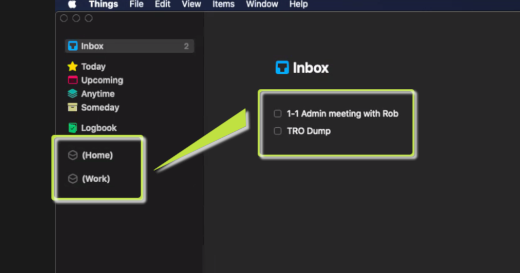
Assign a major context:
- Drag and drop task (main screen) to the appropriate major context (left pane).
Assign a minor context:
Option 1:
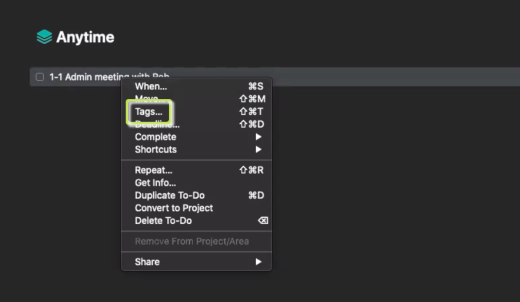
- Right-click on task.
- click Tags (pop-up).
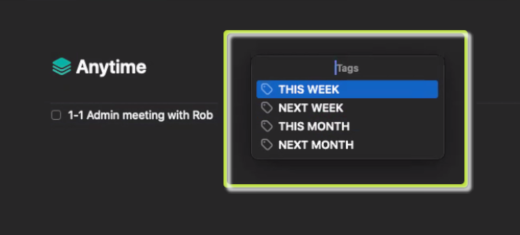
- Click the appropriate context (pop-up).
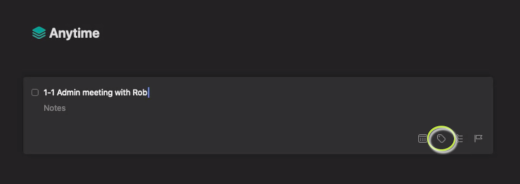
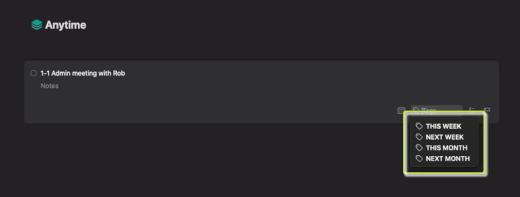
- Double-click on task.
- Click the tag icon (bottom right of the task box).
- Click the appropriate context (pop-up) OR
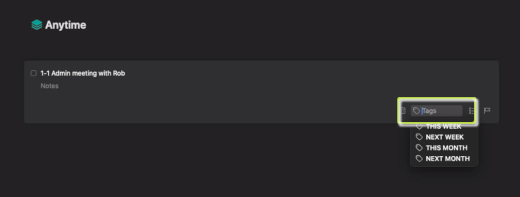
- Create and assign a new context:
- Enter new context in the Tags field.
- Press Return.
Recent Comments