
In Todoist, the Do Today list shows tasks with the  Today label.
To manually move a task in the Do Today List:
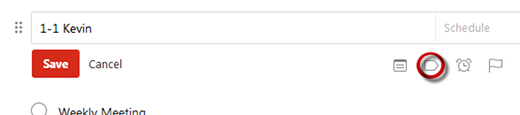
- Option 1:
- Click task.
- Click
 (opposite side).
 - Select the Today label.
- Click
 (opposite side).
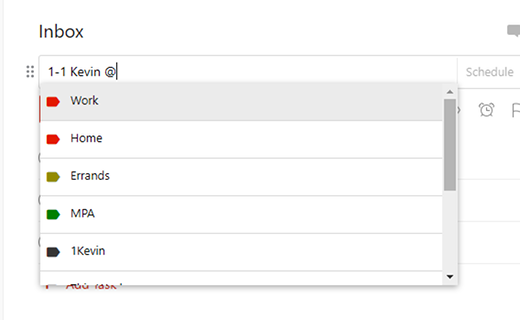
- Option 2:
- Click task.
- Press space.
- Type @, then select the Today label.
- Click (opposite side).
To Remove the Do Today flag:
- Click task.

- Click the
 label.

- Highlight @Today, then press Delete.

- Click .
Recent Comments